 Jan Seva Kendra
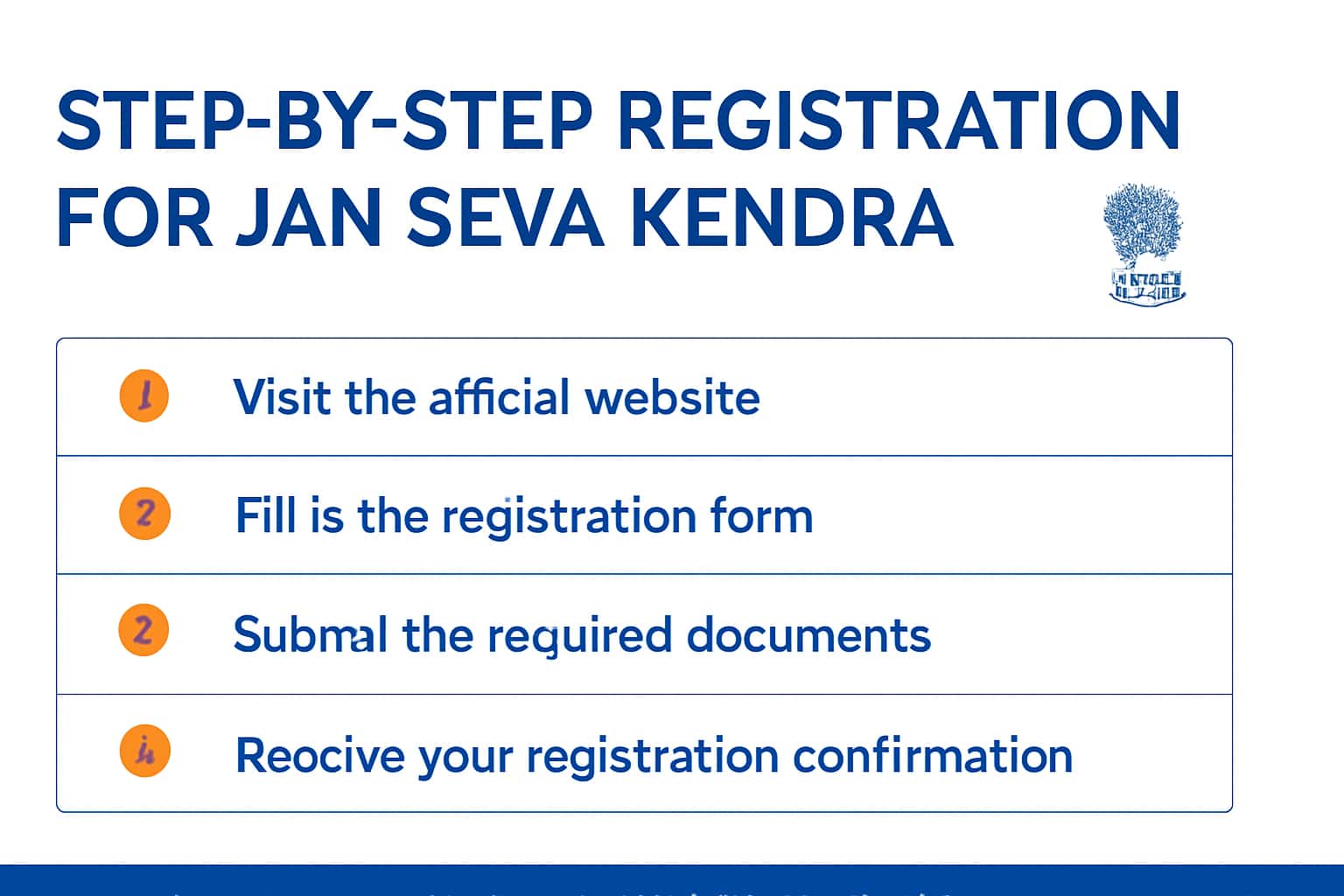
Registering for a Jan Seva Kendra is an essential step towards accessing various government services. This guide provides a comprehensive overview of the registration process, including verification requirements. For more detailed information about the services offered, visit our overview page.
Understanding the registration process can help streamline your experience and ensure that all necessary documents are prepared. Follow the steps outlined in this guide to successfully register and verify your details.
Who This Is For
This guide is designed for individuals looking to register with Jan Seva Kendra to access various government services. If you are a resident seeking assistance, this process is for you.
- Individuals applying for government services.
- New residents needing to register.
- Those requiring assistance with KYC verification.
Eligibility & Requirements (Verify Official Notice)
To register for Jan Seva Kendra, you must meet specific eligibility criteria. Please verify the latest requirements on the official portal, as these can vary by region. For example, some regions may require proof of residence while others may have additional criteria.
- Must be a resident of the concerned area.
- Age and identification requirements may apply.
Documents Needed
Gathering the right documents is crucial for a smooth registration process. Below is a list of commonly required documents, but please verify the complete list based on your local guidelines. It's advisable to prepare both originals and photocopies of these documents.
Typical documents include:
- Government-issued ID proof (Aadhar card, Voter ID, etc.).
- Address proof (utility bill, rental agreement, etc.).
- Recent passport-sized photographs as per specifications.
Make sure all documents are legible and up-to-date to avoid any potential issues during the verification process.
- Government-issued ID proof (Aadhar card, Voter ID, etc.).
- Address proof (utility bill, rental agreement, etc.).
- Photographs as per specifications.
Step-by-Step: How to Proceed
Follow these steps to register for Jan Seva Kendra. Make sure you have all your documents ready before you start the process.
1. Visit the official Jan Seva Kendra portal.
2. Click on the registration link.
3. Fill out the application form with accurate information. Double-check your entries to avoid mistakes.
4. Upload the required documents. Ensure that the file formats match the specifications provided on the portal.
5. Submit the application and note any reference number provided. This number will help you track the status of your application.
6. After submission, check your email for confirmation and further instructions.
- Check your email for confirmation and further instructions.
- Log in to the portal to track the status of your application.
Common Issues & Fixes
While registering for Jan Seva Kendra, you may encounter a few common issues. Here are some troubleshooting tips:
1. If you face login issues, ensure your credentials are correct and try resetting your password if necessary.
2. For document upload errors, verify the file format and size limits specified on the portal. If your document exceeds the allowed size, try compressing it.
3. If your application is rejected, check the reasons provided in the notification and rectify them promptly before reapplying.
4. Delays in receiving confirmation can occur; if you do not get an email within a few days, check your spam folder or consider contacting support.
- Contact the support team if issues persist.
- Refer to the helpline for immediate assistance.
Frequently Asked Questions
Where do I verify the latest details?
Use the official portal/notification and cross-check dates.
What if I cannot login/apply?
Try the troubleshooting steps and verify OTP/KYC instructions.
How can I check my application status?
Log in to the portal and navigate to the application status section.
What should I do if my application is rejected?
Review the reasons for rejection, gather necessary documents, and reapply as soon as possible.